
You’re either spending money on SEO, or you’re thinking about it. Either way, someone is going to ask the question that makes most marketers sweat: what are we getting from this? That question deserves a real answer, and not just a screenshot of a ranking going up or a flow chart where traffic magically “starts closing.”
Simply put, this guide will teach you how to measure SEO. By the end, you’ll have a clean tracking chain connected from Search Console through GA4 to HubSpot, without any guesswork. Whether you’re a business owner wondering if SEO is driving organic lead generation or just burning budget, a marketer defending spend, or a sales leader tired of watching organic leads stall in the pipeline, this guide is for you.
SEO ROI means how much you get from organic search compared to how much you spent to get it. The SEO ROI calculation is straightforward:
(Return from SEO – Cost of SEO) / Cost of SEO = ROI
“Return” depends on your model. For e-commerce, it’s revenue or gross profit from organic orders. For B2B lead gen, it’s closed-won revenue attributed to organic leads, or pipeline value as a clearly labelled estimate. For local services, it’s booked jobs, qualified calls, and quote requests tied to actual work.
Here’s what people tend to skip though – rankings don’t prove ROI. A page can rank on page one, attract the wrong queries, land on a page with weak messaging, load slowly on mobile, and produce zero revenue. The goal isn’t traffic growth. The goal is qualified demand that becomes revenue.
For local services businesses, calls, direction requests, and booking confirmations are often the primary ROI drivers. To get a full breakdown of what that looks like, see the benefits of local SEO.
Don’t open GA4, Search Console, or HubSpot until you define success in business terms. Organic traffic conversions start with knowing exactly what action you’re asking visitors to take. “We want 15 qualified leads per month from organic search” is useful, whereas “We want more traffic,” is not.
Decide what matters for your business:
Track quality as well as volume. These are the SEO KPIs that matter. If leads go up but SQL rate or close rate drops, SEO isn’t winning and instead it’s just getting louder. Define what a qualified lead looks like before you look at any data: service area, business type, job role, budget range. Filter out students, job seekers, and vendors pitching you.

GA4 measures user behavior and conversions on your site. It doesn’t tell you about pipeline or closed deals – that’s HubSpot’s job. But without accurate GA4 data, everything downstream is fiction.
Before you connect anything to your SEO reports, run a technical SEO audit to make sure the site itself isn’t the reason conversions are leaking.
Confirm the right GA4 property is installed and collect data. If you’re deploying via Google Tag Manager, SEO tracking setup lives there and should be validated first. If you’re not deploying GA4 directly, Google Tag Manager SEO tracking gives you cleaner control over which events fire and when, and makes it easier to update tracking without touching your site code. Set up GA4 conversion tracking using GA4 key events, not pageviews for a thank you URL that half your users never reach. Verify events fire once per conversion. Submit a test lead and confirm it in real-time. Test mobile and desktop. Use clean, human-readable event names like “generate_lead” or “request_quote” that match what sales leadership calls these actions.
Duplicate events inflate conversions and make cost-per-lead look fantastic, but none of it is real. Missing cross-domain tracking kills leads when your form lives on a different domain. “(not set)” in traffic channels means data swings wildly week over week and your exec team stops trusting reports. Spam form submissions inflate conversion rates while sales complains about lead quality. Audit your GA4 setup before you try to connect anything else.
Search Console shows what people searched, where you appeared, and whether they clicked. GA4 can’t give you that. Together, they answer the real question: which queries drive people to your site, and what do those people do once they land?
Build brand vs non-brand traffic segmentation into every Search Console performance report you run. Brand traffic is demand capture – people already looking for you by name. Non-brand is demand creation. They convert differently and require different strategies. Mix them together and you hide what’s working.
Segment by intent too. High-intent queries look like “[service] + [city],” “pricing,” or “near me.” Research queries look like “how to” or “what is.” Then map those query groups to page types. If your impressions are high but your clicks are low, that means your snippet is weak. If your clicks are high but you don’t have any conversions then you need to start digging into those landing pages. SEO brings eyes to your site while conversion is in your hands.
Linking Search Console to GA4 pulls organic query data into your GA4 property alongside on-site behavior. This means it’s in one place with a cleaner view without any need for tab-jumping. But you do need to link them since you’re losing valuable organic reporting data if you haven’t.
What it doesn’t do is give you keyword-level revenue attribution, replace proper event tracking, or fix “not provided.” Make sure you have the right access on both platforms and give it a day or two to populate. Set expectations with your team as this gives you clearer organic data in GA4 and should not be regarded as a silver bullet.
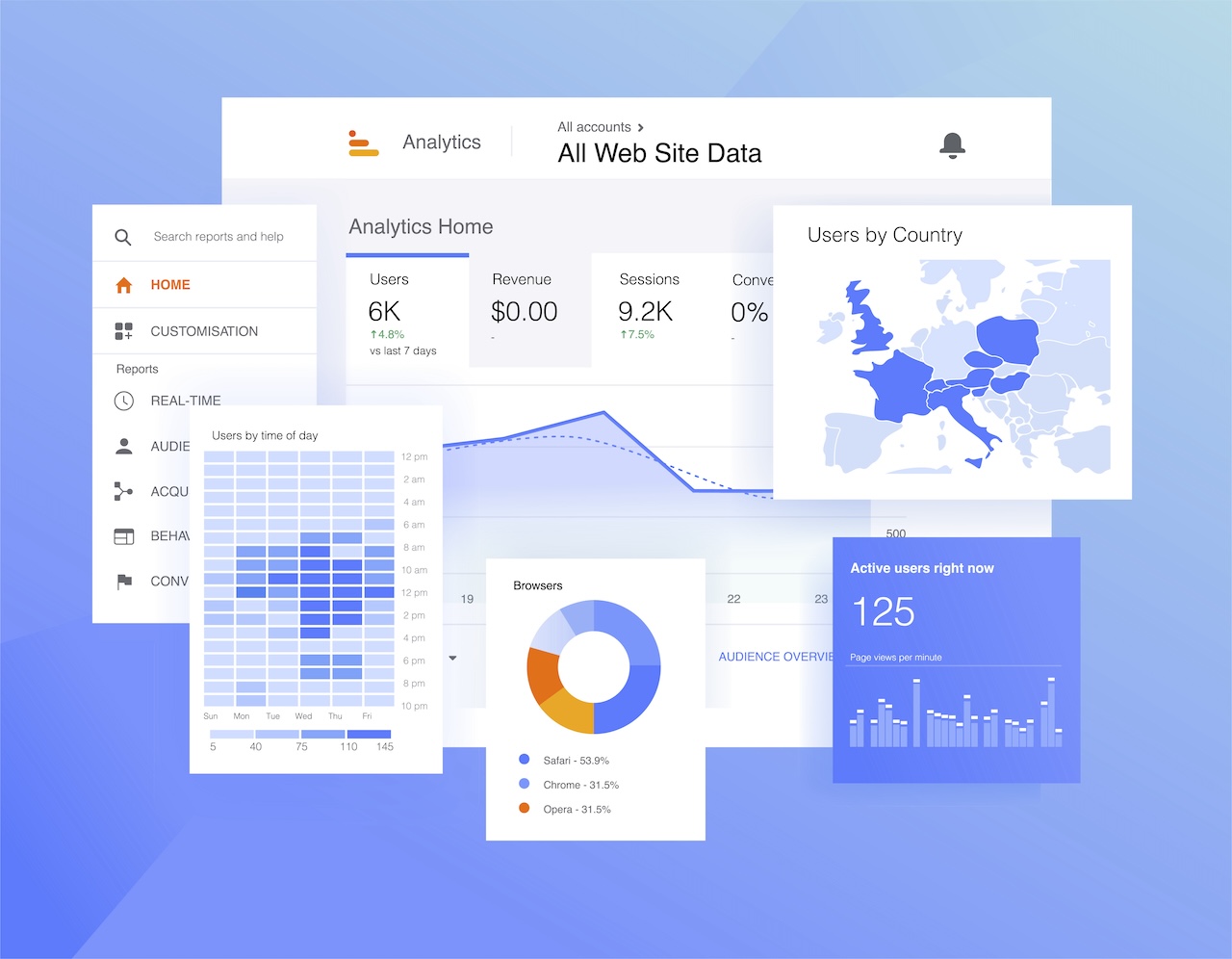
SEO introduces the lead. Then email nurture touches them. Then a retargeting ad runs. Then they convert directly. If you use last-touch attribution only, SEO gets zero credit and sadly loses budget at year-end.
HubSpot attribution reports solve this with first touch, last touch, and multi-touch – the attribution models marketing teams trust for longer buying cycles. For B2B sales cycles over 30 days, linear multi-touch is the most honest story. It shows leadership two numbers: first-touch organic pipeline and assisted organic pipeline. That usually ends the attribution argument.
The minimum HubSpot setup required is consistent HubSpot source tracking on contacts so you know where leads came from before they entered any workflow; form submissions that create contacts with correct source data; and contacts tied to deals and HubSpot lifecycle stages. Without that last step, you have form fills and not SEO revenue attribution.
If your contacts aren’t tied to lifecycle stages and deal records, that’s a HubSpot and marketing automation setup problem before it’s an attribution problem.
Each tool does one job. Search Console works on intent and demand signals. GA4 works on on-site behavior and conversion events. HubSpot takes lead quality, pipeline, and revenue. Connect the dots and you can answer every question your boss will ever ask, and that’s full-picture what SEO reporting for executives looks like.
Build your reporting around this progression: Query → Landing page → GA4 event → HubSpot lifecycle stage → Deal won or not.
Your monthly SEO ROI dashboard should answer four questions: What improved? What declined? What changed in the mix? What are the next three actions tied to real outcomes?”
Start with the full costs, including agency or contractor spend, content writing and editing, design and dev support for technical fixes, keyword tools, and call tracking. The full cost of SEO services is almost always higher than teams account for.
Here’s an example to put it in perspective:
$3,000/month in total SEO costs → Organic drives 40 leads → 12 become SQLs → 4 close at an average deal value of $2,000 → Closed revenue from organic = $8,000 → SEO ROI = ($8,000 – $3,000) / $3,000 = 167%. That’s a number you can walk into any leadership meeting and defend.
If you don’t have closed-won data yet, use qualified leads × verified close rate × average deal value, but label it clearly as an estimate. And remember, revenue is not profit. Thin margins mean higher ROI targets. Strong margins mean you can invest earlier and still win.
A word of warning: months one and two likely won’t look profitable. Maybe not even month three either. New content needs time to be crawled, ranked, and clicked by people with real intent, so always budget for at least 90 days before closed revenue starts showing up. Until then, track organic impressions on high-intent pages, CTR on service and location pages, and qualified lead volume. These are honest leading indicators.
Track blog post and service page ROI separately. While service pages drive direct conversions, blog posts drive assisted conversions from organic search through multi-touch attribution. If your blog posts aren’t ranking for the right queries, the issue is usually content quality, which starts with your writing services and editorial process, not keyword targeting alone.
GA4 will always show fewer conversions than HubSpot. Cookie consent banners, ad blockers, and cross-domain gaps all eat data. Use HubSpot for lead volume QA. Use GA4 for behavioral data and channel attribution. Get comfortable with GA4 being an undercount as that’s the reality of browser-based analytics.
Remember that organic search compounds over time, and that’s the core logic behind compound SEO, which is why trailing 90-day views tell a more honest story than month-over-month snapshots.
If you’d rather have someone build the tracking chain for you, contact us and we’ll set it up.

Track organic impressions on targeted service and location pages, CTR on those pages, and qualified lead volume. SEO can drive leads in 30-90 days when you set up inbound correctly, so stop making the 6-18-month timeline an excuse not to measure.
Yes, but as two separate values. Service pages drive direct conversions. Blog posts drive assisted conversions. Report them separately or you’re blending first-touch blog visits with last-touch service page closes and calling it a number.
Trust HubSpot for lead volume. Trust GA4 for behavior and channel attribution. GA4 undercounts due to consent banners and ad blockers. QA your inbound leads in HubSpot and use that to sanity-check GA4.
First touch or last touch for sales cycles under 30 days. Use linear or time-decay for anything longer. Show two numbers – the first-touch organic pipeline and assisted organic pipeline.
Build your SEO forecasting model backward from revenue. If your average deal value is $2,000 and you close 20% of qualified leads, you need roughly 5 SQLs per month from organic to break even on a $2,000 monthly spend. Don’t plan your SEO budget around traffic projections. Plan based on what revenue your leads need to produce.
Filter your branded keywords out of Search Console. Report non-brand traffic separately on every SEO report you build. Mixing them inflates non-brand performance and makes your SEO ROI look better than it is.
Use a call tracking tool with dynamic number insertion (DNI) and UTM source support. Organic visitors see a unique number, call it, and the source logs as SEO. For bookings, connect your scheduling tool to GA4 via a confirmation event or use a platform with built-in GA4 or HubSpot integration.
One slide that includes just four numbers: qualified organic leads, organic pipeline created, organic closed-won revenue (or a clearly labelled estimate), and total SEO cost. You could also add one trend line and one recommended action.
Measuring SEO ROI isn’t complicated, but oftentimes it’s just work most teams skip. Connect Search Console to GA4 to HubSpot with clean event tracking, consistent attribution, and honest cost accounting, and SEO stops being a faith-based investment to become marketing ROI reporting that holds up in any budget meeting.
Whether you’re evaluating an agency or already investing, a clear picture of what’s included in your SEO services determines whether you can measure ROI at all.